
Onboarding support
Get help setting up your account and finding your way around the platform so you can start sending with confidence.
Channels
Audiences & compliance
SMS campaigns with every rate published up front, no subscription, and support included on every account.
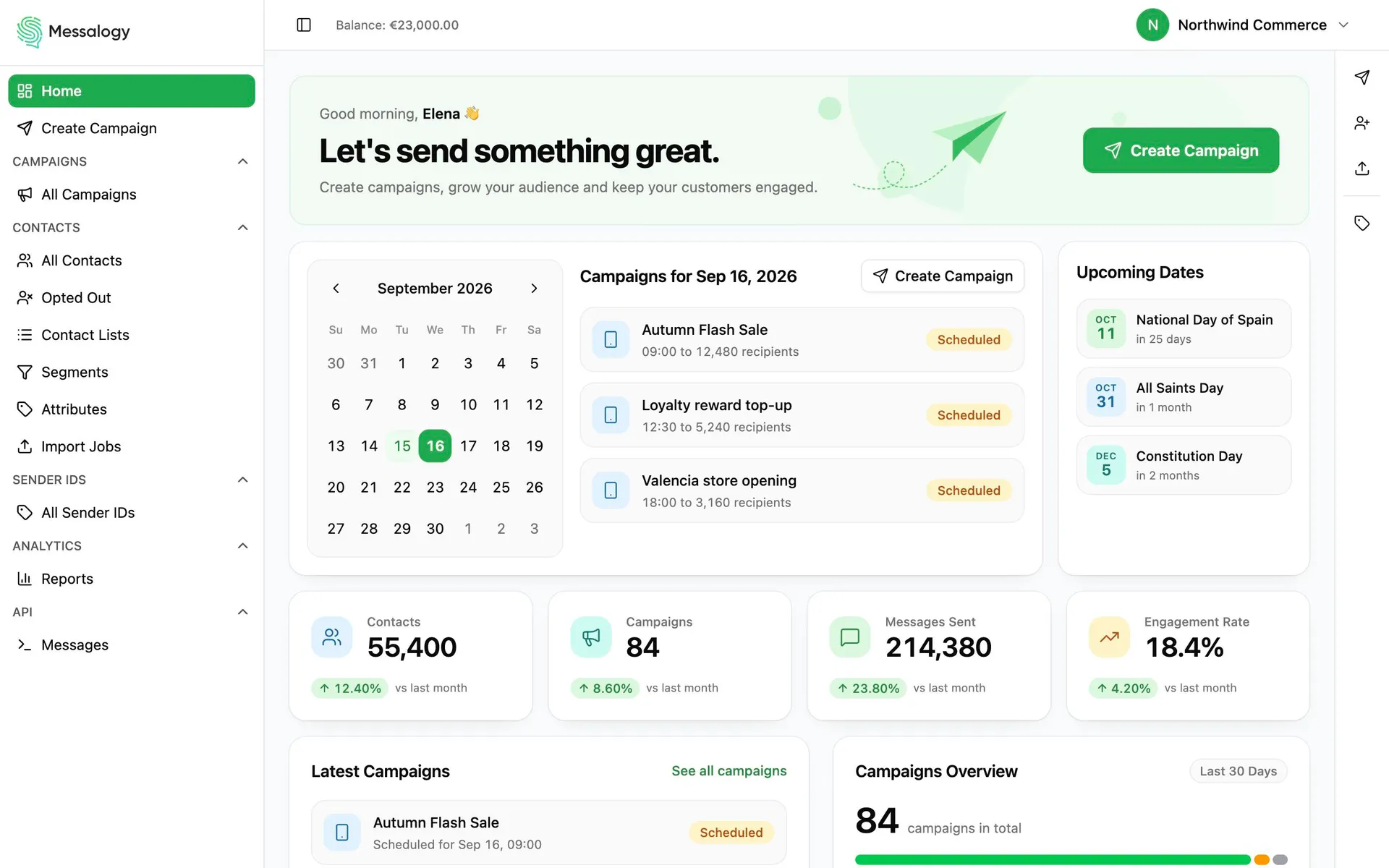
Import, write, send, and watch it land. The whole run, in the order you do it.
Dates, numbers or plain text on every customer.
Fill it by hand, or write a rule that finds its people when the send starts.
Someone who opts out after you schedule is skipped when their batch goes out.
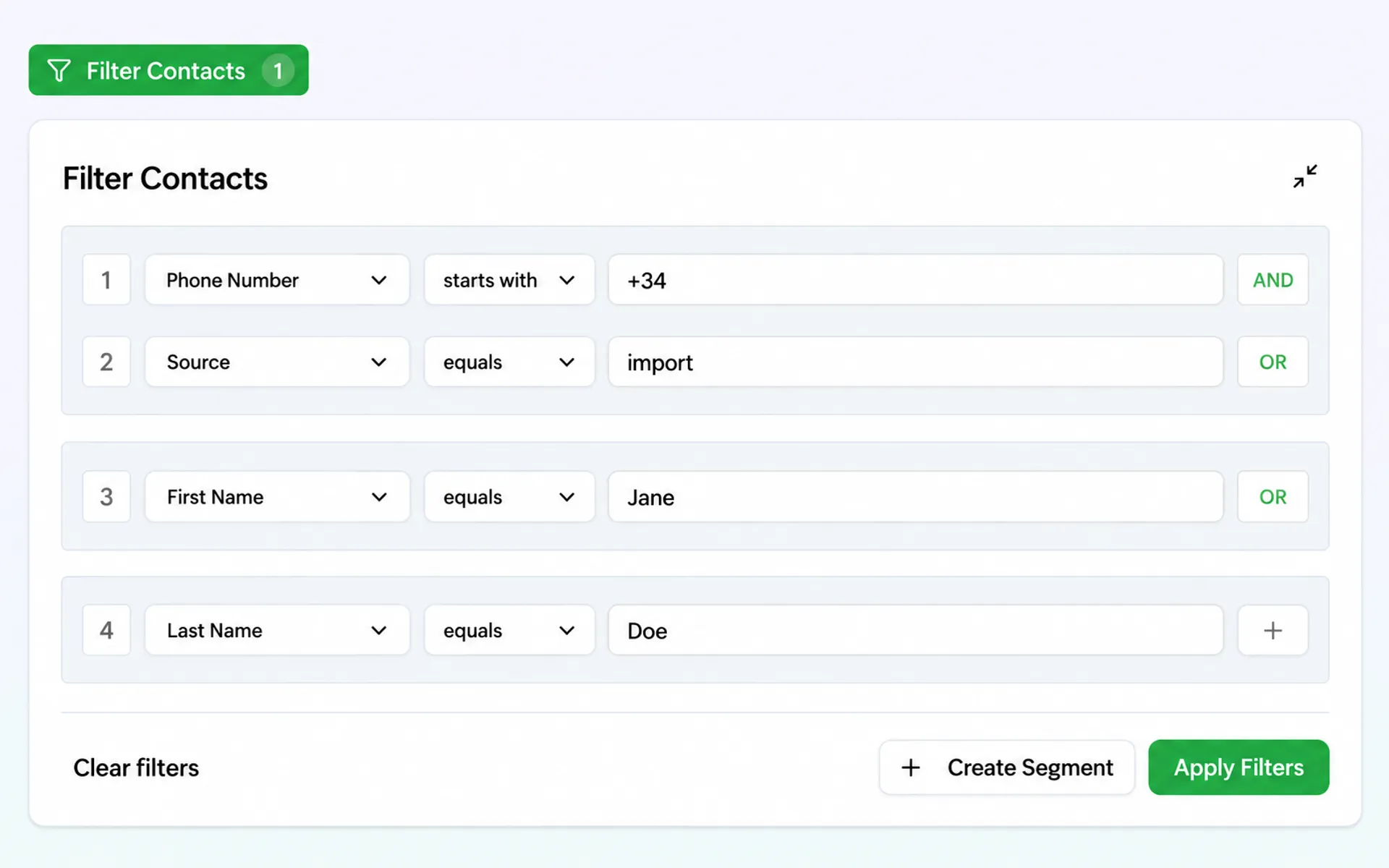
Every message takes its fields from the record it is going to.
One click converts the letter that doubled the segment count.
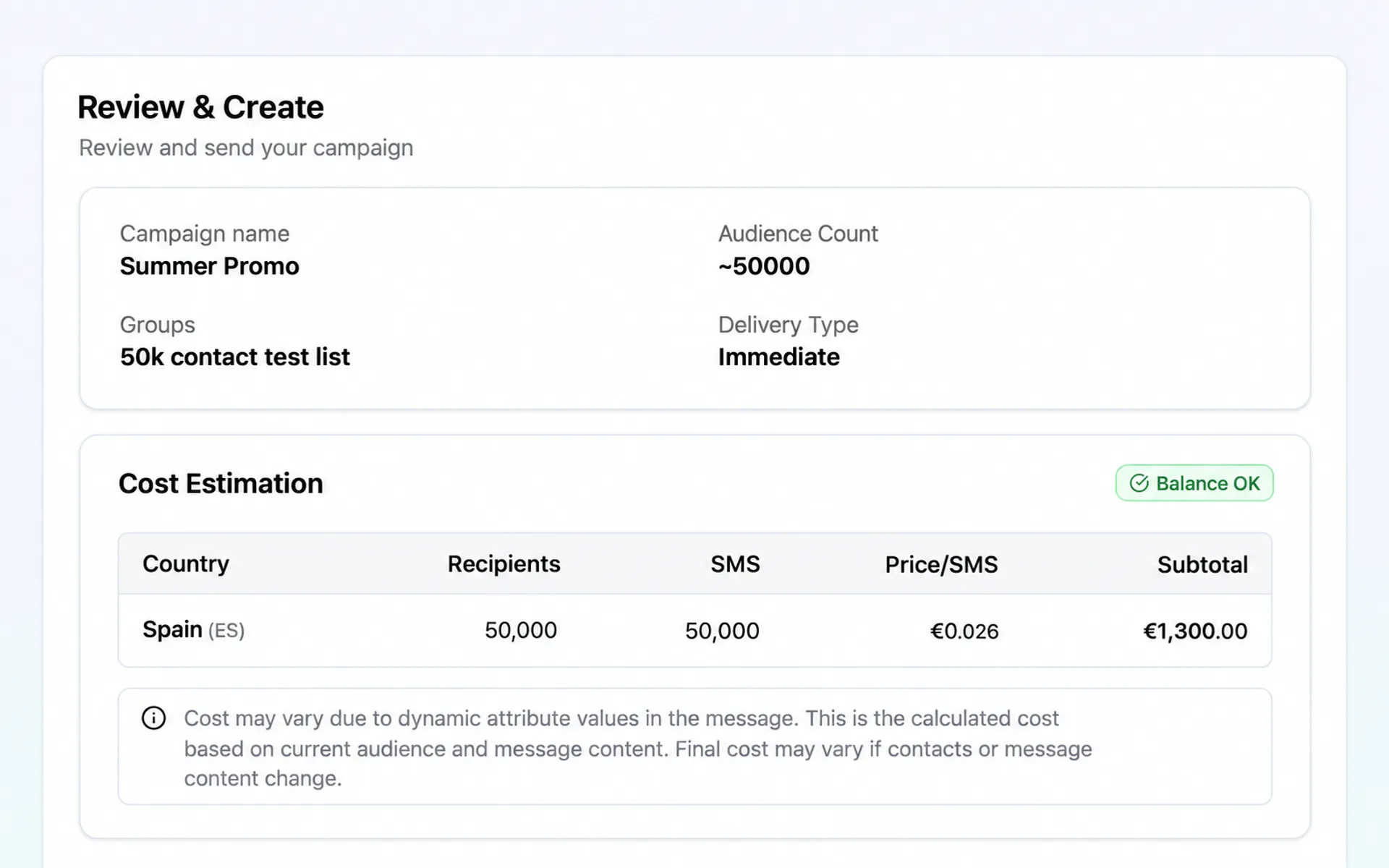
Check the audience, the price and the sender, then send now, schedule it, or pause part way.
Clicks come back per person, not just per campaign.
An opt-out link in the message unsubscribes from that send and every one after.
The message keeps the segment count it had.
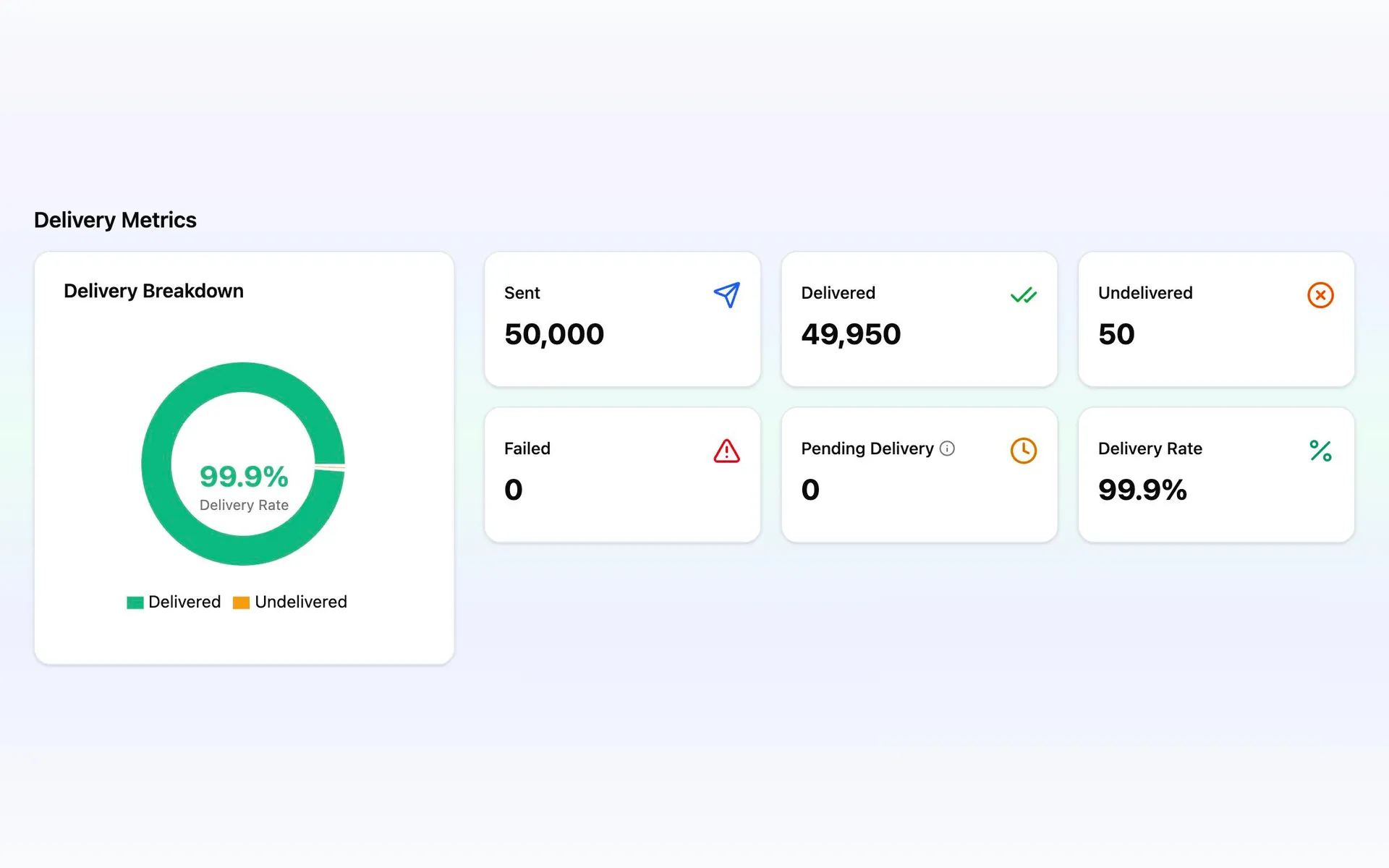
Delivered, undelivered, failed, skipped or pending, with the reason when it fails.
Deliveries, clicks, opt-outs and what the send cost, in the campaign you just ran.
Any campaign, customer by customer, down to the message that actually left.
Send SMS across borders. Check destination rates and manage every campaign from one account.
Get help setting up your account and finding your way around the platform so you can start sending with confidence.
Get guidance on setting up and managing sender IDs for the markets you want to reach.
Get help with message setup, scheduling, and sending options so you can make the most of every campaign.
Get guidance on organizing contacts, building groups, and using segments to reach the right people.
We help you make sense of delivery reports, link activity, and campaign costs so you can plan your next send.
The ones about getting started are here. For anything else, the FAQ or a person.
Three things: customers who agreed to hear from you, a sender the destination allows, and credit on the account.
Bring the customers in from a spreadsheet or add them by hand, write the message, and the review screen shows you the audience, the sender and the price before you confirm anything. See how audiences work.
No. Importing a list, writing a message, scheduling it and reading the results are all done in the app.
There is an API if you want to send from your own stack, but nothing about a campaign requires it.
Yes. Support is included with every account, at no charge, and it starts before your first send: setting up the account, choosing and registering a sender for the markets you want to reach, and getting the first campaign from a spreadsheet to the review screen.
Write to us before you sign up, or open the account and ask from inside the app.
That depends on where you are sending. Some markets let a message arrive from your business name the same afternoon; others require the name to be registered with the operators first, which takes as long as that regulator takes.
The board on the pricing page shows, for every destination, what the sender may be and whether it has to be registered first.
Yes. Import a spreadsheet, map its columns onto your own fields, and confirm what the file represents before a single customer record changes.
An import can never quietly hand you permission you did not have: anyone who has opted out stays opted out, whatever the file says. How consent is kept.
By card or by wire transfer. For a transfer you get a pro-forma document your finance team can work from, and invoices are available in the app.